1
/
of
7
eprolo
USB 3.0 KVM Switch for 2 Computers and 4 USB Devices
USB 3.0 KVM Switch for 2 Computers and 4 USB Devices
Regular price
$60.00 USD
Regular price
Sale price
$60.00 USD
Shipping calculated at checkout.
Quantity
Couldn't load pickup availability
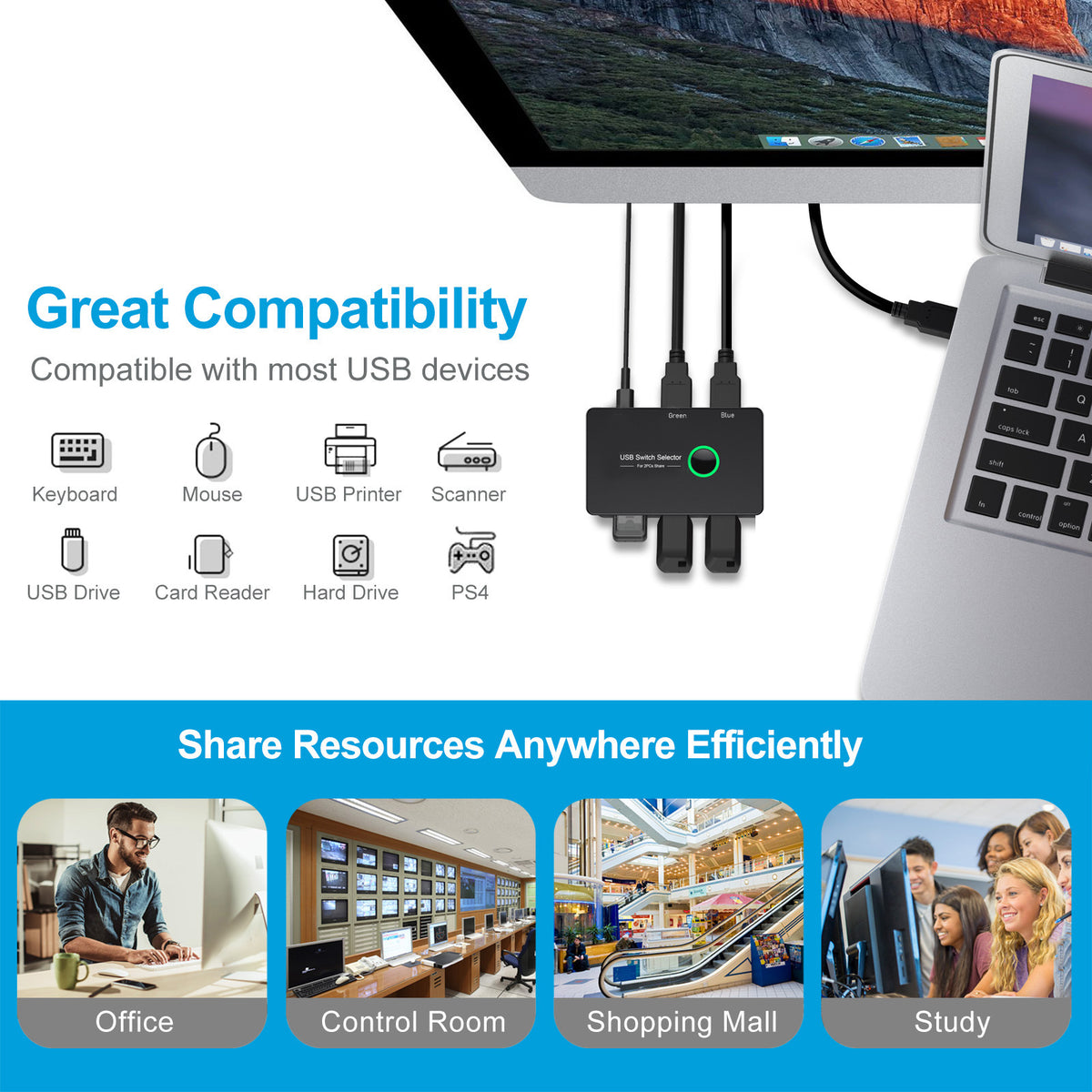
Share one set of USB peripherals between two computers without constantly unplugging cables. This black USB 3.0 KVM switch provides four USB device ports and a selector button for switching the connected peripherals between two compatible computers.
Product highlights
- Two-computer switching: Share connected USB devices between two computers using the selector control.
- Four USB 3.0 device ports: Connect up to four compatible USB peripherals to the switch.
- One-button selection: Use the physical selector button shown on the device to change the active computer connection.
- Useful for shared peripherals: Connect compatible devices such as a printer and other USB accessories that support the switch.
- Broad operating-system support: The source listing identifies compatibility with Mac, Windows, and Linux systems.
- Compact black housing: The compact desktop design keeps shared USB connections in one place.
Specifications
- Product type: USB 3.0 KVM switch
- Computer connections: 2 compatible computers
- USB device ports: 4 USB 3.0 ports
- Switching method: Physical selector button
- Supported systems listed: Mac, Windows, and Linux
- Color: Black
- Product weight: 330 g
Compatibility note
Connect only compatible computers and USB peripherals. USB device performance depends on the connected computer, peripheral, cable, operating system, and the USB features supported by each device. Confirm that your computer and peripherals are compatible before connecting them to the switch.
⚠ Important Safety & Care Instructions
- Connect the switch only to compatible USB ports and devices. Do not connect it directly to household mains power.
- Do not exceed the power available from the connected computers or the supported USB devices.
- Disconnect the switch before changing cables or moving it, and never force a USB connector into a port.
- Keep the switch, cables, and ports dry. Do not use the product with wet hands or near water.
- Stop using the switch if the housing, selector button, cable, or USB ports are cracked, loose, unusually hot, or damaged.
- Keep cables away from heat, sharp edges, and heavy objects that could crush or fray them.
- Clean with a soft, dry cloth. Do not use liquids, solvents, or abrasive cleaners.
(We Advise our customers to read our policies to understand how our store functions)
- Return/Refund Policy
- Shipping & Handling Policy
- Contact Information
- Terms of service
- Privacy Policy
- Legal Notice (Also important for copyright/Trademark Holders)
- (Link/Links Not Working? Email us Solidsales23100@gmail.com and ask us for a link to the policy you like to review)
SolidSales.Store Loyalty Rewards Program Information (Save & Earn)
- Earn Sales Points when you make a purchase ($1=1 Point)
- Redeem/Earn/Check your points at SolidSales.Store or (HERE)
Share